Shiv Shakti Garba Classes App
- Client
- Shiv Shakti Garba Classes
- Year
- 2026
- Service
- Mobile apps
- Scope
- Android and iOS app development, Flutter cross-platform build, UI/UX design, Offline sync, WhatsApp templates with AI
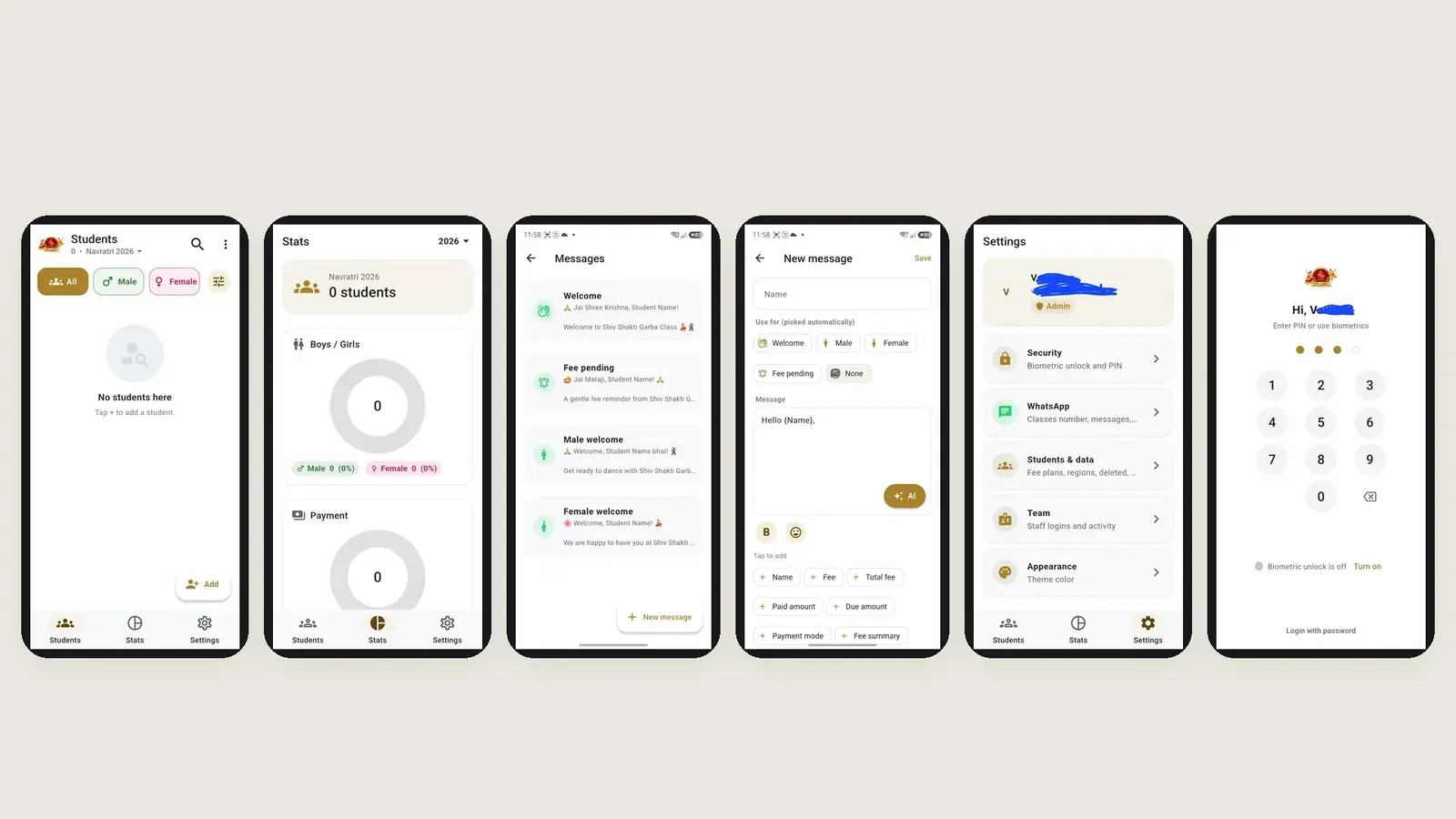
Shiv Shakti Garba Classes is an Android and iOS app built by MaJe Technologies for a garba (Navratri dance) class. Staff add a student in seconds, track fees and part payments, and send WhatsApp messages from ready templates, and AI can write new templates too. It works offline, syncs when the internet is back and keeps data stored safely for 10 years.
- Add a new student in seconds
- Track fees and part payments for every student
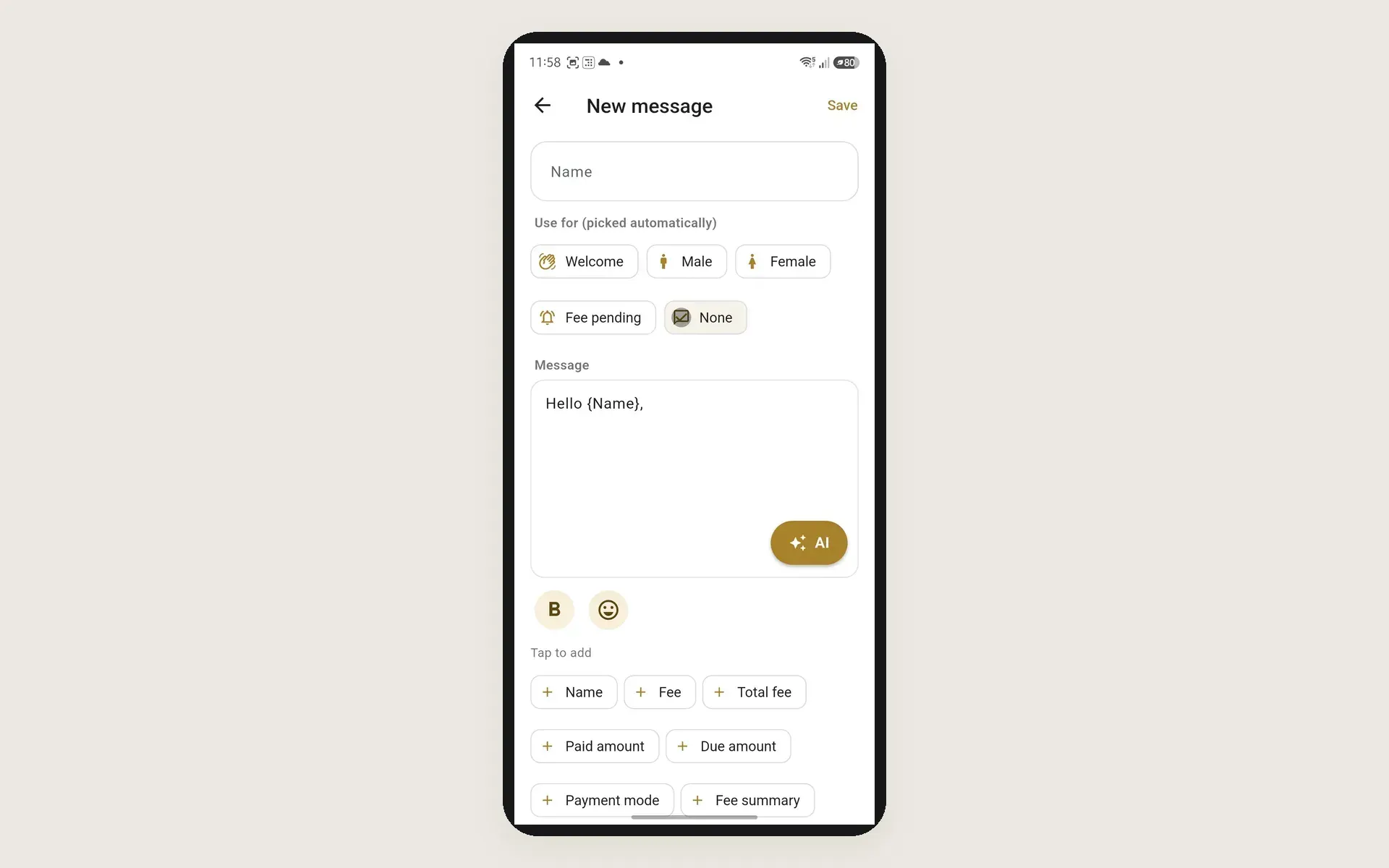
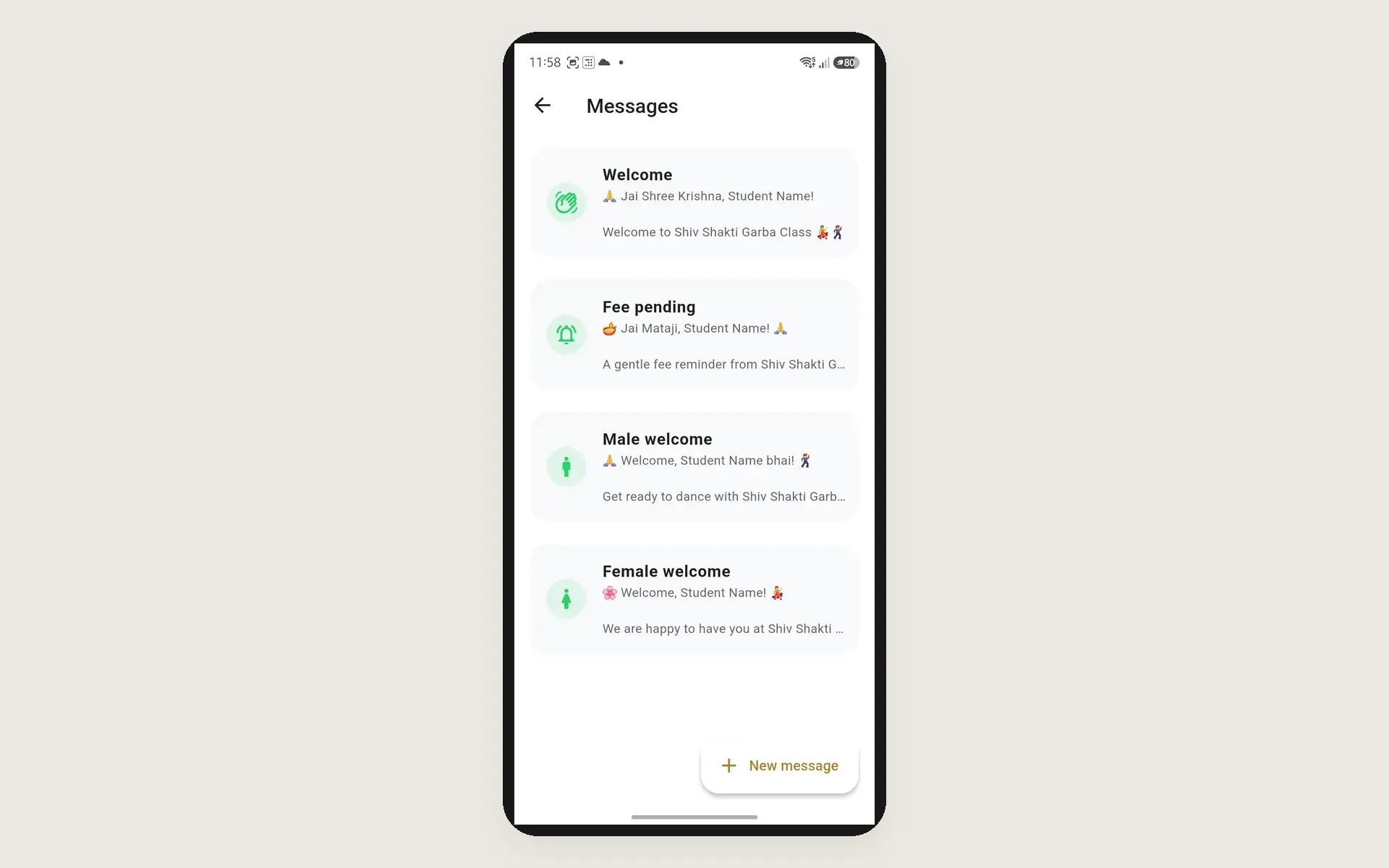
- WhatsApp message templates for Welcome, Male welcome, Female welcome and Fee pending
- AI button that generates a new message template
- Templates picked automatically by type, with tap-to-add fields like Name, Fee, Total fee, Paid amount, Due amount, Payment mode and Fee summary
- Works offline and syncs when the internet returns
- Data stored safely for 10 years
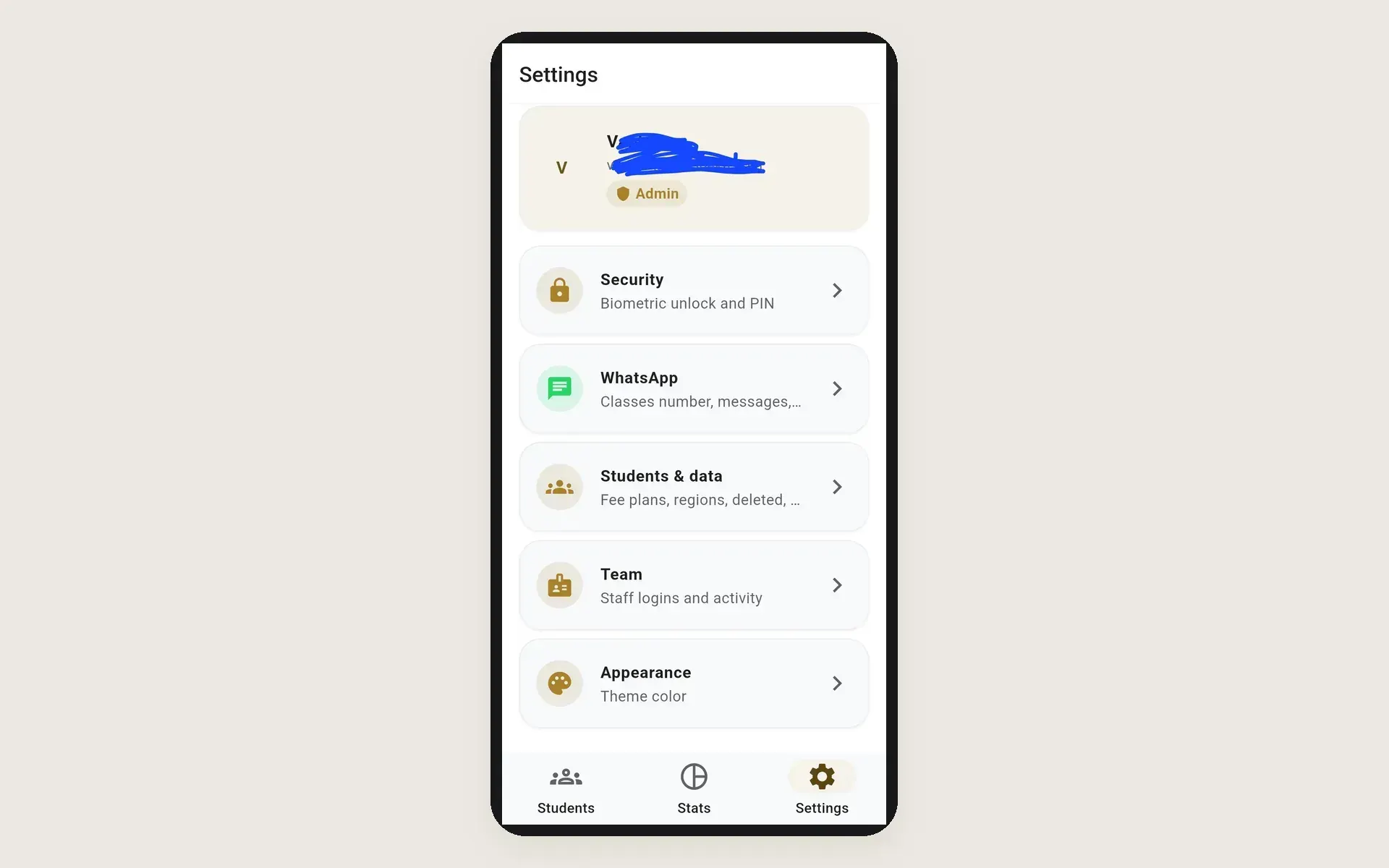
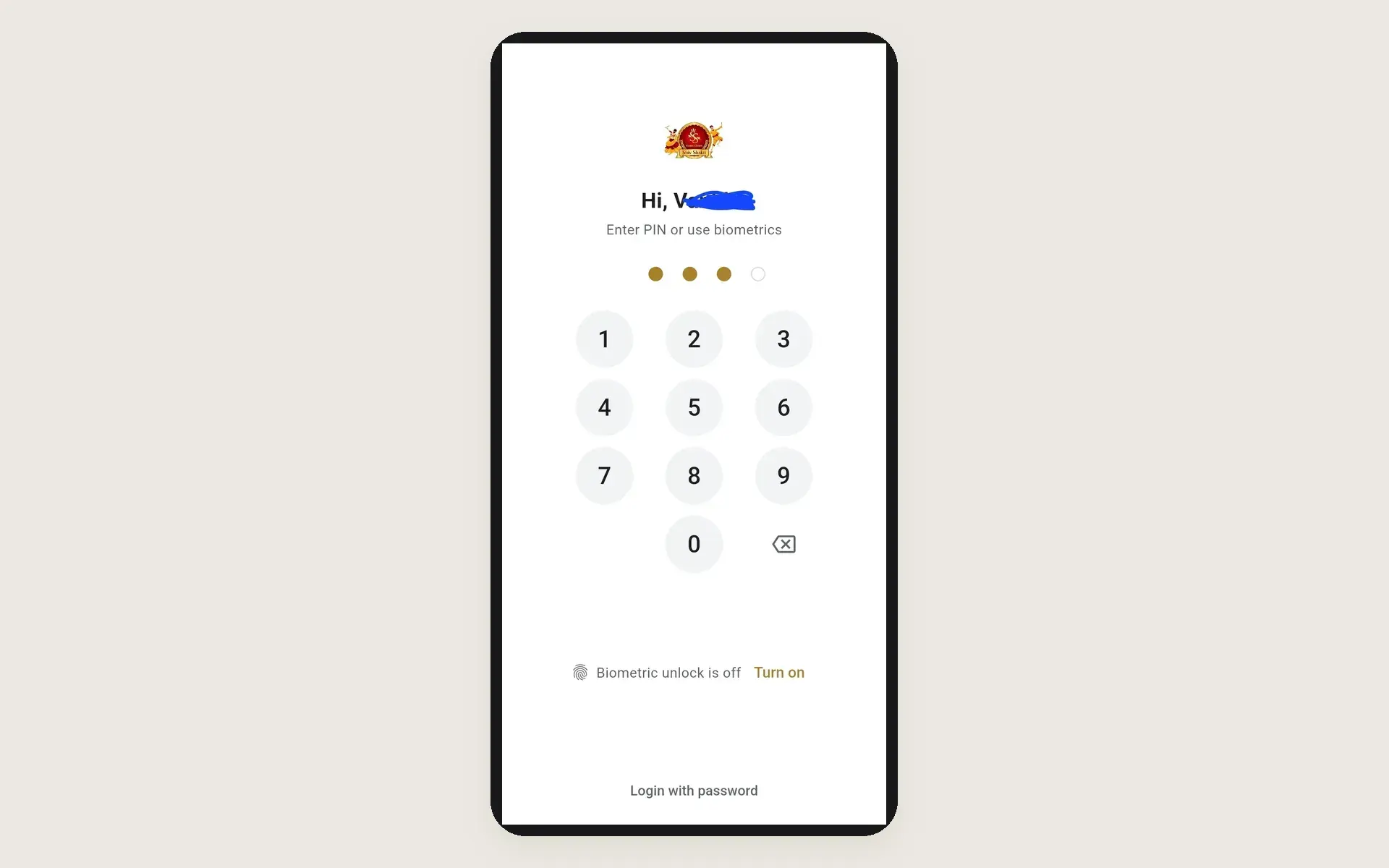
- PIN and biometric lock to open the app
- Admin and staff team logins with activity
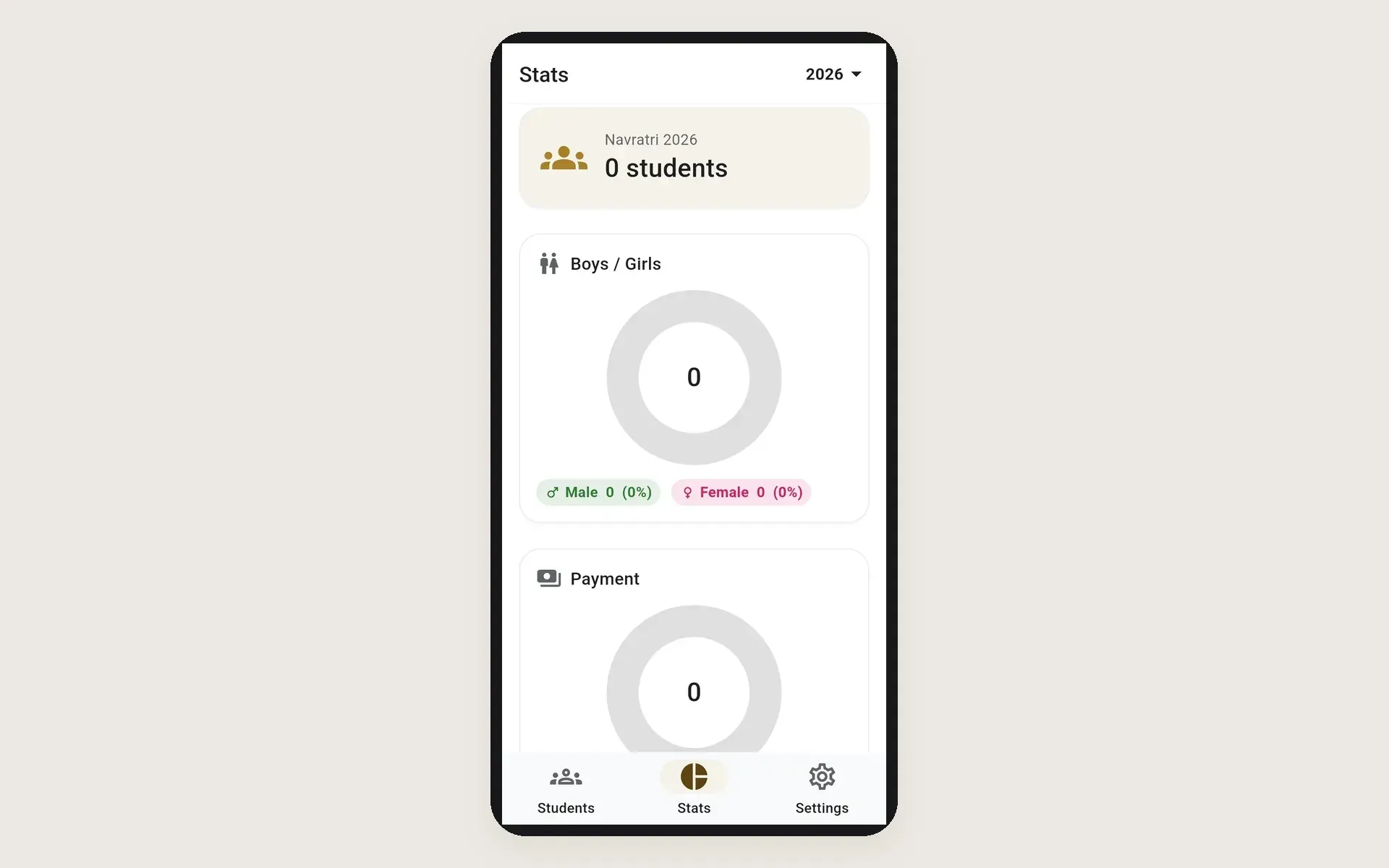
- Stats per season with boys and girls and payment charts
Challenge
A garba class gets very busy around Navratri. Staff have to sign up new students fast, keep track of who has paid in full and who has paid in parts, and message everyone about timings and fees. Doing this on paper, in spreadsheets and in separate WhatsApp chats is slow and easy to get wrong, and the hall does not always have good internet.
Approach
MaJe Technologies designed and built the app with Flutter, so one codebase runs on both Android and iOS. Staff open it with a PIN or biometrics, then land on a students list with male and female filters and search, where a new student can be added in seconds. Each student has a fee plan and region, and the app records part payments until the fee is cleared. A stats screen shows each season, such as Navratri 2026, with boys and girls and payment charts. For WhatsApp, the class keeps a list of ready message templates such as Welcome, Fee pending, Male welcome and Female welcome. In the message editor staff choose what a template is used for, so the app picks the right one automatically, and tap to add fields like Name, Fee, Total fee, Paid amount, Due amount, Payment mode and Fee summary, which fill in with each student's details. An AI button writes a new template when staff need one. Admin and staff have their own team logins with activity, and settings cover security, WhatsApp, fee plans, regions and the theme color. The app works offline and syncs when the internet comes back, and data is stored safely for 10 years.
Outcome
The class now runs admissions, fees and student messages from one simple app on Android and iOS, even when the internet drops.
Built with
- Flutter
- Dart
- Android
- iOS
- Offline sync
- Biometric authentication
- WhatsApp integration
- AI message templates